

DineDesk
From first tap
to last handoff.
Food ordering software that keeps the customer, kitchen, and counter working from the same order.
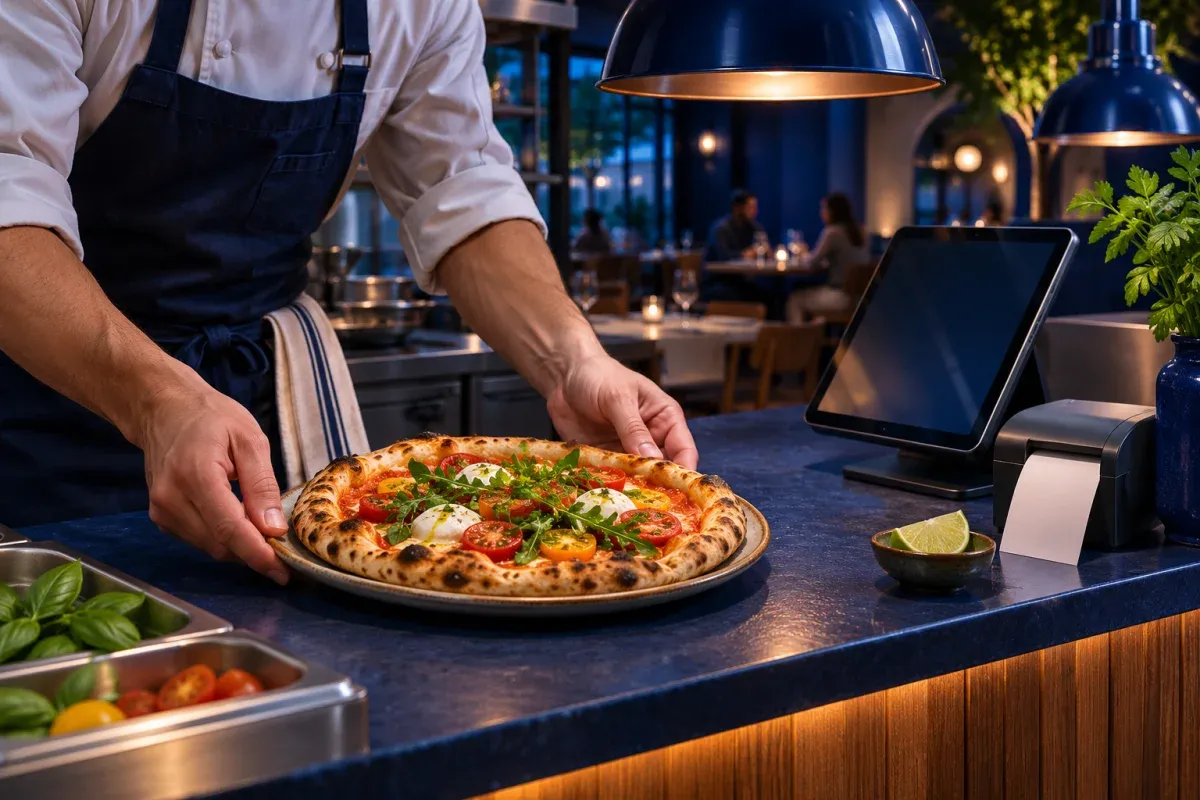
Follow an order through service.
Build a ticket, send it to the kitchen, and mark it picked up at the counter.
Harbour Kitchen
Demo menu · Table 12
Order sent
The kitchen has your ticket.
Kitchen pass
Preparation
No incoming ticket
Send an order from the customer view to start preparation.
Pickup counter
Fulfilment
Waiting on the kitchen
A ticket appears at the counter when the kitchen marks it ready.
Sample items and prices. The demo stays in this browser.
Set up for the way you serve.
Walk through the roles with your team. Then choose the apps, integrations, and branding that fit your operation.
- Ordering
- Browse menus, customise items, and place an order.
- Restaurant and kitchen
- Review incoming orders, organise preparation, and track what is ready.
- Counter and delivery
- Coordinate pickup or delivery. Review the counter and driver workflows for your setup.
- Additional views
- Explore table eMenus, kiosks, customer feedback, and web administration. Confirm the modules included in your package.
Plan your DineDesk setup.
Bring your service model and current tools. We’ll work through the roles and package options with you.